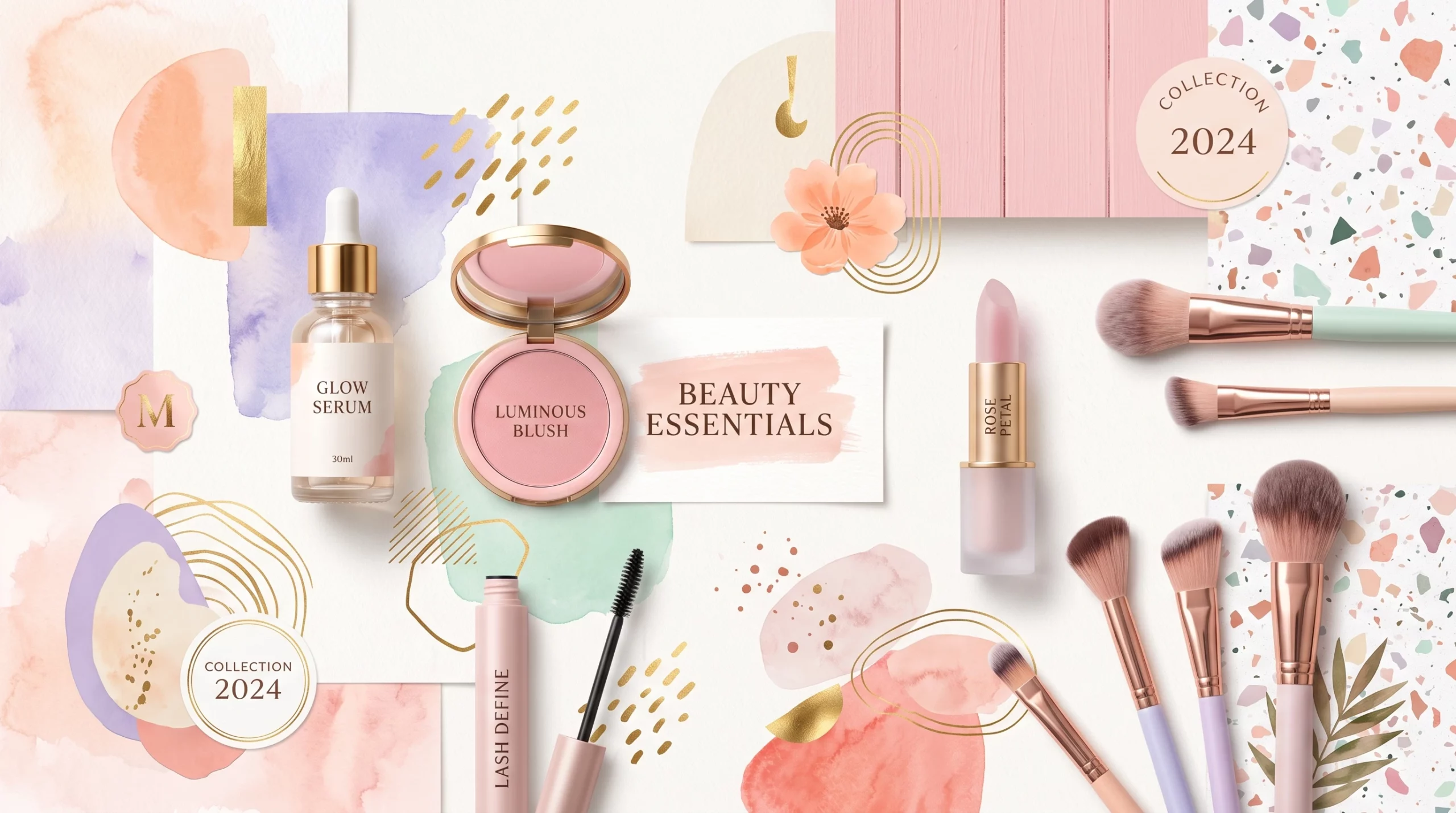
Tools For Creating Stunning Beauty Graphics
If you’re someone who likes to make visuals for beauty blogs, social media, or branding, getting your graphics to look as polished and eye-catching as the pros can feel tough. With so many apps and features to choose from, it’s hard to know what actually works for beauty content, and which tools can help you make images that really pop.
Design skills are always helpful, but you don’t need to be a Photoshop wizard to create scroll-stopping beauty graphics these days. With the right software, a few handy features, and some creative inspiration, it’s totally possible to take your graphic game up a notch, especially if you use the right tools built for quick results and trending looks.
Throughout this article, I’ll share my go-to tools and tricks for making beauty graphics that stand out online. Whether you’re designing Instagram posts, product promos, or beauty brand visuals, you’ll find practical options here for every skill level and budget. Let’s jump in and see which tools can help level up your beauty content!
1. Canva: The Allinone Beauty Graphics Platform
Canva is my starting point for almost any beauty graphic. It’s easy to use, stacked with eye-catching templates, and works for everything from quick social posts to more complex designs like lookbooks and product launch slides.
- Drag and drop interface that makes it simple to swap colors, fonts, and images.
- Lots of beautyspecific templates (Instagram stories, highlight covers, sale banners, and more).
- Premium images and elements (with Canva Pro) that give your graphics a polished, professional feel.
One thing I love is how many trending fonts and color palettes are already included. No more hunting for pastel pinks or bold beauty brights. If you want something super fast or you’re not comfortable with advanced design tools, Canva makes it easy to create beautiful graphics with minimal effort.
Canva also supports animated graphics, which are perfect for beauty brands wanting that next-level cool vibe in Instagram Stories or Reels. The free version is plenty for most newbies, but Canva Pro unlocks premium options and more storage for your designs.
2. Adobe Express: Fast, Powerful Branding Features
Adobe Express (previously called Adobe Spark) is a favorite when I want a bit more control or need to make graphics that perfectly fit a brand’s look. It comes with high-quality templates and makes it simple to set up a full visual branding kit for your business or blog.
- Brand Kit options let you store brand colors, logos, and fonts for consistent use across all your projects.
- Animated elements give stories and ads extra flair—ideal for that lively, modern beauty aesthetic.
- Built-in stock photos and beauty elements save loads of time when you’re aiming to get the right look quickly.
Adobe Express is more intuitive than Photoshop or Illustrator, which can be intimidating for beginners. If you’re after attractive, cohesive graphics without the steep learning curve, Adobe Express is definitely worth checking out. It also syncs with other Adobe tools, making workflow smoother if you want to expand your skills over time.
3. Procreate: Gorgeous Artwork for Beauty Brands
If you want to bring your own artistry into your graphics, Procreate for iPad is a must-have. I use it for custom illustrations, handdrawn product mockups, and personalized beauty avatars. Procreate stands out for detailed brushes, realistic painting effects, and intuitive controls.
- Brushes for Everything: From painting, sketching, and lettering to blending skin tones and adding shimmer.
- Quick export lets you transfer your art straight into Canva or Adobe Express for polished finishing touches.
- Handpicked color palettes made by artists for creating beautiful beauty graphics.
You’ll need an iPad and Apple Pencil, but the creative freedom pays off. Beginners can trace photos or use the help of YouTube tutorials, while advanced users will appreciate the custom brush settings for detailed textures.
Procreate is perfect for anyone wanting to mix in unique, original touches—like signature makeup looks or creative calligraphy—into social media posts, banners, or packaging designs.
4. Apps for Editing: Facetune, VSCO, and More
Once the design is ready, editing apps help polish your final look. For beauty content, mobile apps like Facetune, VSCO, and Snapseed are essential. They help you fine-tune images, maintain a consistent vibe, and smooth out any imperfections.
- Facetune: Use retouching tools for skin smoothing, teeth whitening, and makeup touch-ups on graphics that include faces or models.
- VSCO: Tap into film-inspired filters and fine-tune color settings to bring a glowing finish to your posts.
- Snapseed (by Google): Great for adjusting saturation, boosting sharpness, and adding effects like blur or vignette for a professional feel.
Editing apps also allow you to create custom filter presets. Once you stumble upon your favorite combination, save it for quick access on future edits. Consistency is key when curating an attractive feed or blog layout.
5. Stock Image and Element Resources Made for Beauty
Sometimes the finishing touch is the perfect texture, background, or mockup. Stock image sites that focus on beauty and wellness make that much easier.
- Pexels and Unsplash have free collections of beauty-centric images—a timesaver for bloggers or small brands.
- Creative Market: Track down premium graphic elements, icons, and template packs made by designers specifically for beauty themes.
- Envato Elements: Offers an all-you-can-download subscription with device mockups, image overlays, and brush packs, ideal if you produce lots of content or want lots of variety.
Before using stock elements, always check the licenses to make sure you can use them for your intended projects—commercial or personal. Spending time on research up front helps you avoid headaches later and ensures your graphics stay unique and professional.
6. Tips for Ontrend Beauty Graphics That Grab Attention
Play with Color and Texture
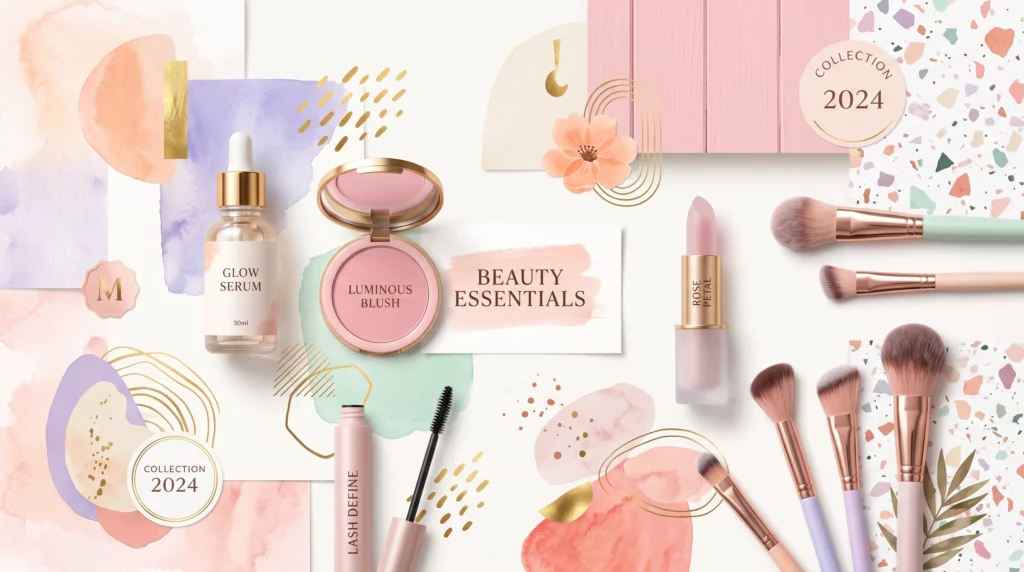
Soft pastels, metallic gradients, and bold pops work great for beauty graphics. Try adding gradient overlays or subtle textures (like linen or marble) for extra depth.
Mix Photography with Graphic Elements
Layer product shots, model photography, or influencer selfies with fun illustrations, doodles, or icons to create a style that’s both trendy and personal. Mixing flat icons with photo content is an easy way to set your posts apart.
Use Modern Fonts and Layouts
Large, bold headlines paired with delicate script font or geometric shapes result in an ontrend, editorial vibe. Free font sites such as Google Fonts give you a starting place to find just the right font for your beauty brand.
Branding Consistency
Make a simple brand kit—just a palette, a logo, and a pair of consistent fonts—so your posts all look cohesive. Both Canva and Adobe Express have features designed to make this easy for any skill level.
Stay Inspired and Experiment
New trends pop up all the time in beauty design. Keep an eye on what big brands and influencers are doing, but don’t be afraid to add your own twist. Try different layouts, backgrounds, or color pairings until you stumble upon something that feels just right.
Let’s Wrap Up
Making standout beauty graphics doesn’t require a design degree or expensive gear. Most of today’s best apps are free or low-cost, and they’re built to help anyone get a pro look fast. The key is to mix together the right resources, follow what inspires you, and keep experimenting with tools until you develop your own signature style.
From Canva’s handy templates to Procreate’s creative brushes and a swarm of editing apps, there’s never been a better time to bring your best visuals to life online. Try blending a few tools together, or start with what sounds best to you—it’s all about finding your groove and creating something that matches your vision for beauty content. Keep playing, keep tweaking, and most importantly, enjoy the adventure of bringing your style to the world!
Make your own images with this professional AI tool
Eyebrow Artistry Advisor
Friendly yet professional eyebrow makeup advisor, offering personalized and current advice.
-
How To Set Up Affiliate Links Properly
-
Tools For Creating Stunning Beauty Graphics
-
Write SEO Optimized Posts For Beauty Niches
-
The Top Keyword Research Tools For Beauty Niches
Join a thriving community
Stay in the loop with everything you need to know
And build your own online presence!